
Software
MELLOTEK QMS
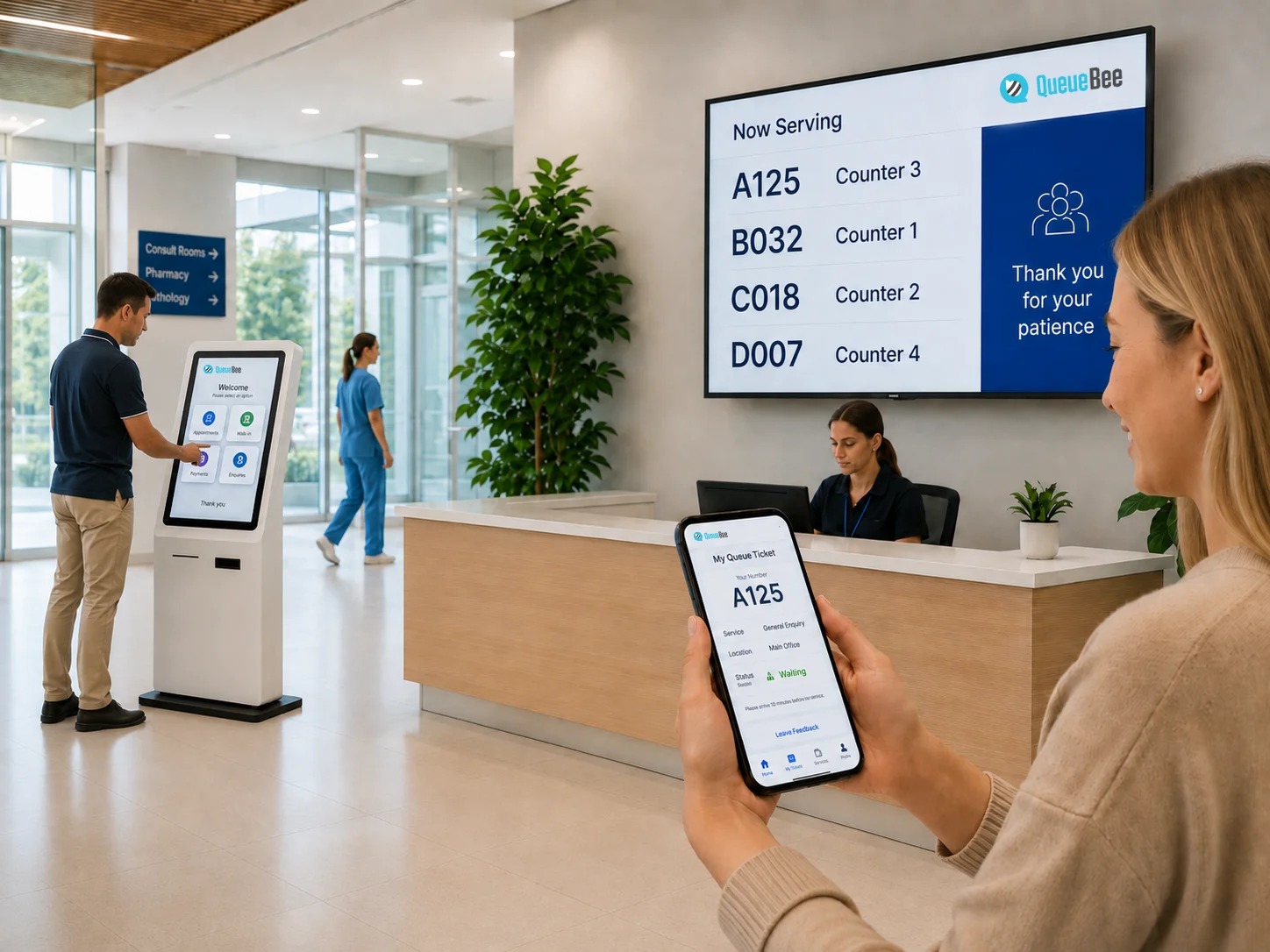
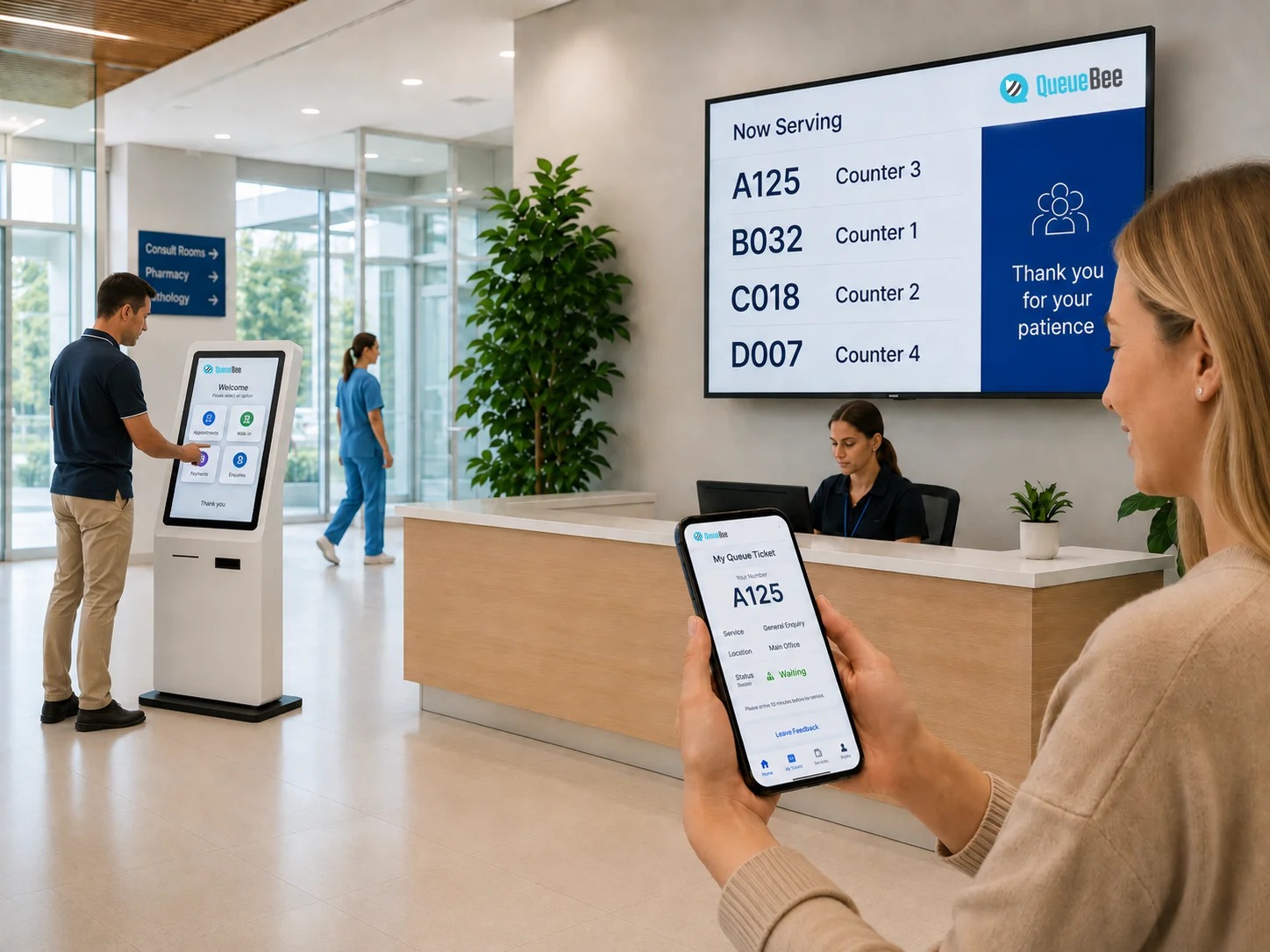
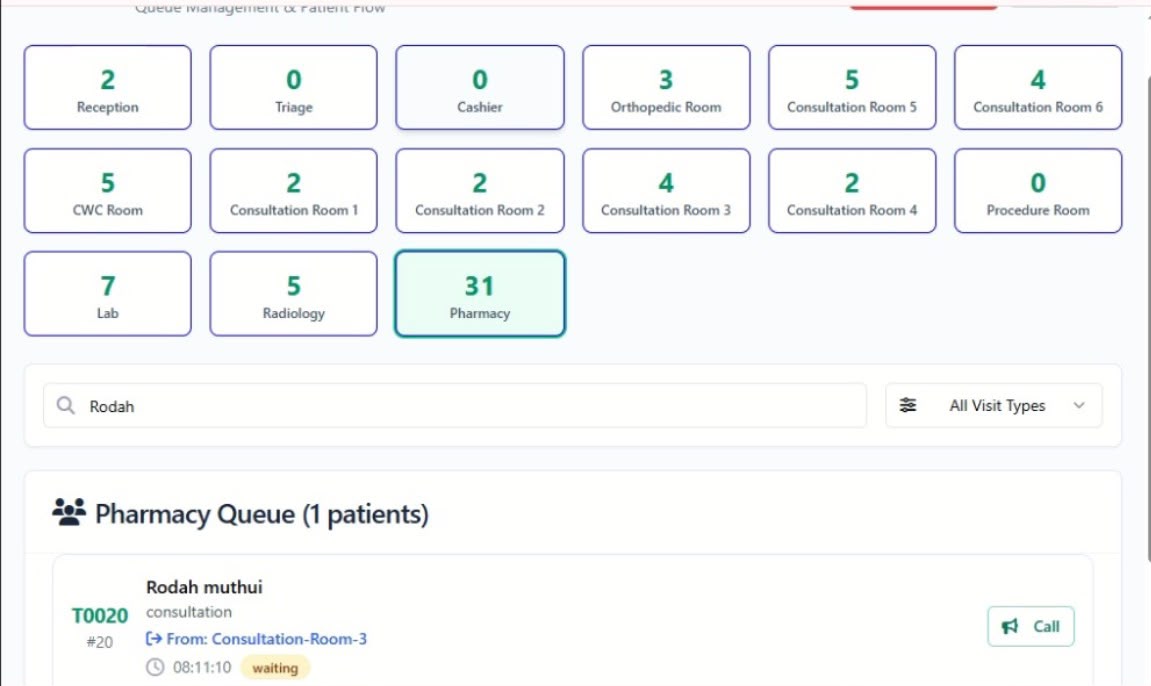
Mellotek QMS is a queue management platform designed to organize customer and patient flow from arrival to service completion. The system replaces manual queues with a structured digital process, allowing organizations to issue queue numbers, manage service points, call customers and monitor waiting areas through digital displays. For healthcare facilities, the system can be configured to support patient flow across reception, triage, consultation, laboratory, radiology and pharmacy.
Who it is for
Built for teams like yours.
- Hospitals
- Clinics
- Medical Centres
- Banks
- Government Offices
- Insurance Offices
- Customer Service Centres
- Universities & Institutions
- Other High-Traffic Service Organizations
What you get
Features.
Issue queue numbers to customers or patients.
Queue Management
Organize customers according to departments and service points.
Queue Calling
Staff can call the next customer through the system.
Display Management
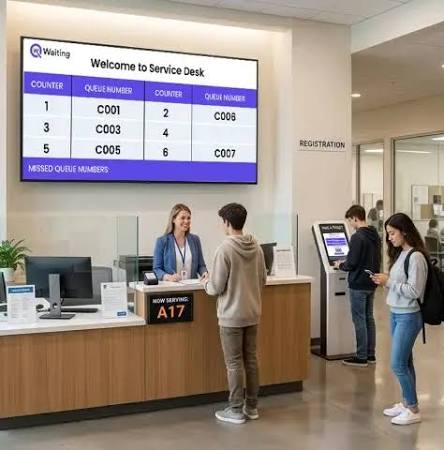
Display current queue numbers and service points on connected screens.
Reception Management
Manage customer arrival and queue registration.
Service Point Management
Create and manage different service desks and departments.
Queue Reports
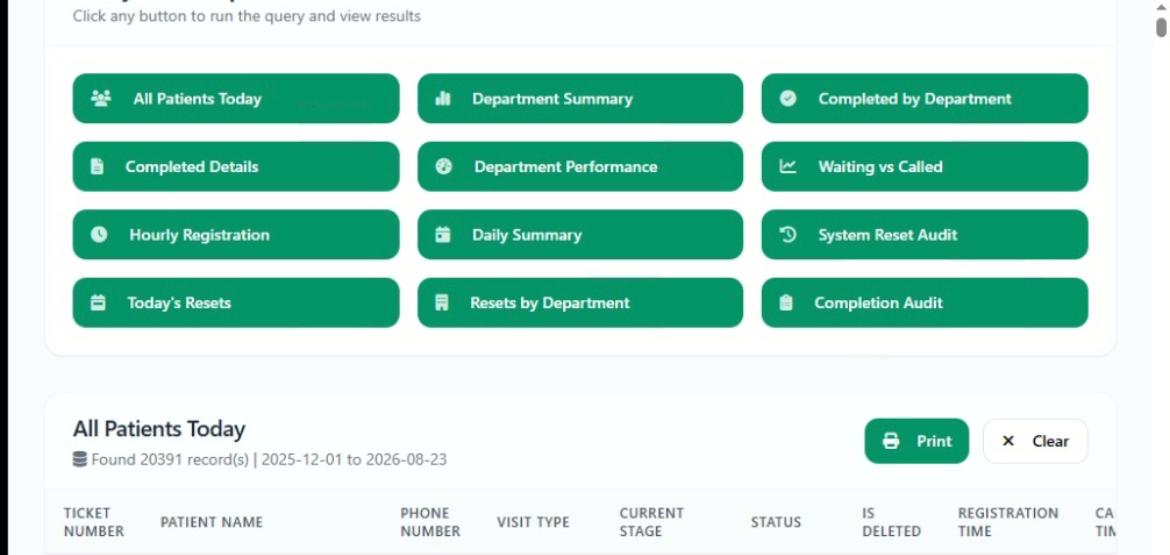
Monitor waiting times, service activity and completed queues.
Multi-Department Workflow
Support organizations with multiple service points.
Hospital Clinic Automation
Support patient movement through configured hospital departments and clinic workflows.
Outcomes
Benefits.
— Reduced congestion
— Organized service flow
— Better patient/customer experience
— Improved service-point visibility
— Reduced manual queue management
— Better operational reporting
Service flow
How the queue moves.
- 01Patient Arrival → Reception → Triage → Consultation → Laboratory/Radiology → Pharmacy
- 02The workflow can be configured according to the facility.
Engagement
How it works.
1. Customer Arrives
The customer or patient registers at the facility.
2. Queue Number Is Issued
The system generates a queue number.
3. Customer Waits
The queue number appears on the waiting-area display.
4. Staff Calls Customer
The service point calls the next customer.
5. Customer Is Served
The transaction or service is processed.
6. Queue Is Completed
The system records the completed service.
A closer look
Screenshots.

Ready to move?